

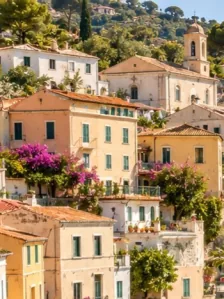
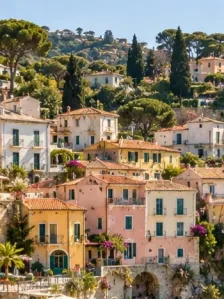

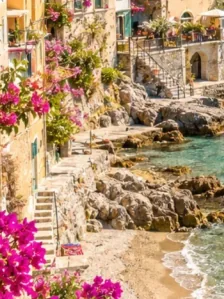

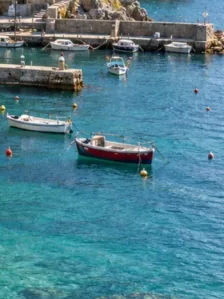



Split Maker: Cut One Image into Four PNG Pieces

Make four image pieces from one source with a two-by-two split. Preview equal square tiles and download them individually or together.

  • Free browser tool
  • No signup required
  • No watermark

Split Maker: Cut One Image into Four PNG Pieces editor

Instagram grid preview

Waiting for a source image

OriginalPosting order
Original
Post 9
Post 8
Post 7
Post 6
Post 5
Post 4
Post 3
Post 2
Post 1

One coastal photo, nine tiles. Post in the numbered order, starting with 1.

How do I use this tool?

  1. 1.Choose one image

    Upload the source you want to divide. Use an original with enough detail to remain clear in each quarter.

  2. 2.Inspect the cuts

    Start with two rows and two columns. Choose a different tile ratio if the square preview removes useful content.

  3. 3.Save the pieces

    Download the PNG tiles or the ZIP archive. Use their visual positions when assembling them outside the tool.

Before I download

Will this merge several pictures?

No. Split Maker divides one image into separate PNG files. Choose a collage tool when several source photos should become one combined picture.

Can I print the pieces as a large poster?

You can print the files, but this tool does not add print margins or calibrated physical dimensions. Check resolution and printer settings before treating the pieces as a tiled poster.

When a four-piece split is useful

A two-by-two split can separate a poster preview into quarters or turn a large image into a small set of detail views. Check the exact boundaries before downloading, especially around lettering and faces. The pieces come from the same source and share the selected tile shape. They are not four independently designed layouts or editable document pages.

Square crop or original proportions

The square setting gives each tile equal width and height. Original-proportion splitting is useful when keeping the source composition matters more than a standard tile shape. Compare both previews before committing to the files. More rows or columns create smaller pieces; the controls allow one through nine in each direction, but extra pieces require more source detail.

AI styles

Try a different look for my photo

Choose a style, preview an example, then create an image with AI credits.

Loading AI templates.