
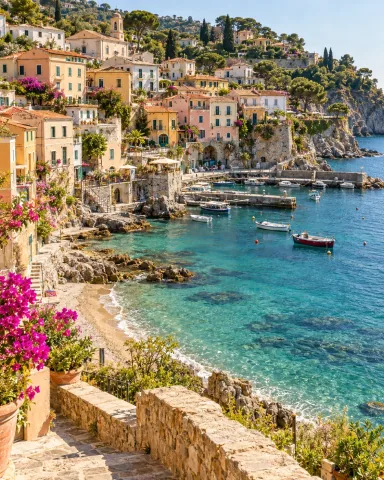
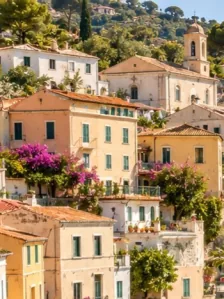
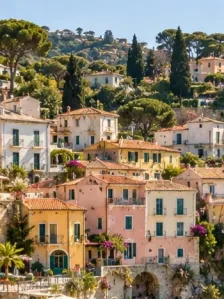
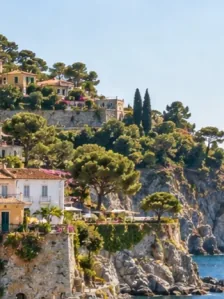
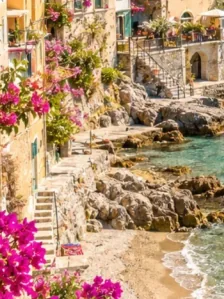

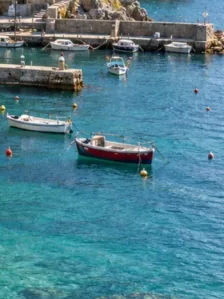
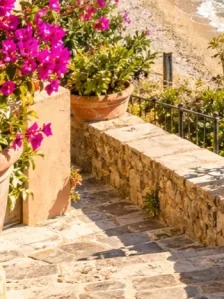
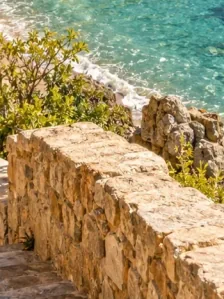
3x3 - 9 tiles
Post tile 9 first, tile 1 last.
Free browser tool
Split one photo into 3, 6, or 9 Instagram tiles. Preview the profile grid, download a ZIP, and post pieces in the right order. Free, no signup, no watermark.
Designing a 3x3 feed layout instead of cutting one photo?Instagram Grid Maker
Waiting for a source image
Examples
Real creator workflows: profile grids, portrait references, and post-ready exports.

Post tile 9 first, tile 1 last.

A wide banner split across one feed row.

Two rows, three columns for campaigns.
Choose one high-resolution photo you want to cut into Instagram tiles.
Use 3x3 for 9 tiles, 2x3 for 6 tiles, 1x3 for 3 tiles, or a custom split.
Download the ZIP and post pieces in reverse order so your profile grid lines up.
Yes. It cuts one photo into Instagram-ready tiles and previews how the split grid will line up on your profile.
Upload your photo, choose a grid size, split it, then download all pieces as a ZIP.
Post in reverse order. For a 3x3 grid, start with piece 9 and finish with piece 1.
Yes. Upload one wide or tall image and split it into a 3x3 or 1x3 grid — each tile posts separately but lines up into one continuous puzzle feed across your profile. Post the tiles in reverse order so the full picture reassembles.
Use at least 1080x1080 pixels for a 3x3 grid. Higher resolution images produce sharper tiles.
Yes. It is free, has no watermarks, and processes images in your browser.
An Instagram grid splitter takes one image and slices it into equal tiles — usually 9 for a 3x3 block, 6 for 2x3, or 3 for a single row — so that when you post the pieces individually they reassemble into one large picture across your profile grid. Instagram only ever shows the small thumbnails, so the grid effect lives entirely on your profile page, not inside any single post.
Because the tiles are just cropped sections of the original, the tool previews exactly how the full image will line up before you download. That preview matters: once the pieces are posted you cannot reorder them, so checking the layout first is what separates a clean grid from a misaligned one.
The most common mistake is posting the tiles in reading order. Instagram pushes each new post to the top-left of your grid and shifts everything else down and to the right, so you have to post in reverse: the bottom-right tile goes up first and the top-left tile goes up last. For a 3x3 split that means posting tile 9, then 8, 7, 6, and so on down to tile 1.
Post all the pieces in one sitting if you can. If you spread them across days, anything else you publish in between — a Reel, a normal photo — lands in the grid and breaks the picture apart, so plan the run before you start.
A seamless puzzle grid is a single image split so the picture flows continuously from one row to the next — the look sold as premium puzzle-feed templates. You get the same result for free here: upload one tall image, split it into a 3x3 (or 3x6 for two screens of feed), and each row stitches into the next as visitors scroll your profile.
For a rolling feed you extend over time, leave the bottom row as a teaser and split fresh images that continue the pattern. Planning the whole picture up front keeps the seams aligned as the grid grows.
A 1x3 split turns a wide, panoramic image into three side-by-side tiles that form a banner across the top row of your profile — ideal for a logo lockup, a product line-up, or a welcome header. It is the fastest grid effect because it only needs three posts and reads instantly at the top of the page.
Keep the important content away from the two vertical seams where the tiles meet, since a sliver of spacing sits between thumbnails on the profile view. Centering faces or text within a single tile avoids anything important getting cut at the join.
Each tile is displayed as its own post, so start with a high-resolution source: aim for at least 1080 pixels per tile, which means roughly 3240 pixels wide for a full 3x3 split. Splitting a small image and uploading the pieces only magnifies any blur, so always cut from the largest version you have.
Match the source aspect ratio to the grid shape — a square source for a 3x3, a wide source for a 1x3 banner — so the splitter does not have to crop away parts of the picture you wanted to keep. Everything runs in your browser and downloads as a clean ZIP with no watermark.
AI showcase
Use the free browser tool for the base export, then open an AI template when you want a generated style.
4:5 · street portrait poster2 credits
Build a street portrait with a stylized illustrated companion from one upload.
Use this style4:5 · typographic portrait2 credits
Transform one portrait into a high-contrast calligraphic text artwork.
Use this style1:1 · 3x3 icon system2 credits
Generate a cohesive 3x3 icon family from one theme or brand reference.
Use this style1:1 · 3x3 fashion grid2 credits
Create a clean editorial 3x3 fashion contact sheet from one portrait.
Use this style