






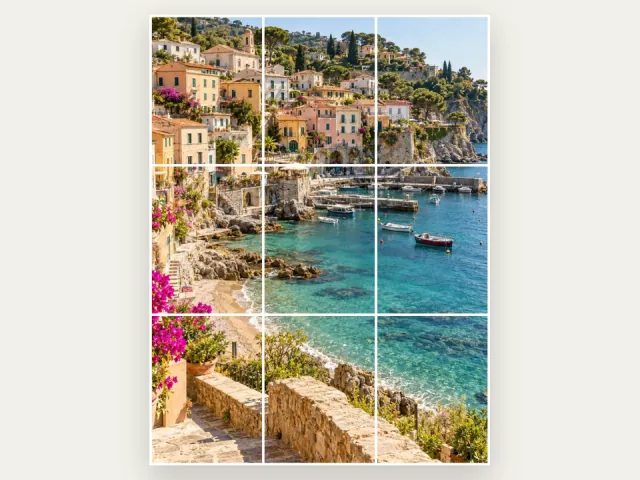
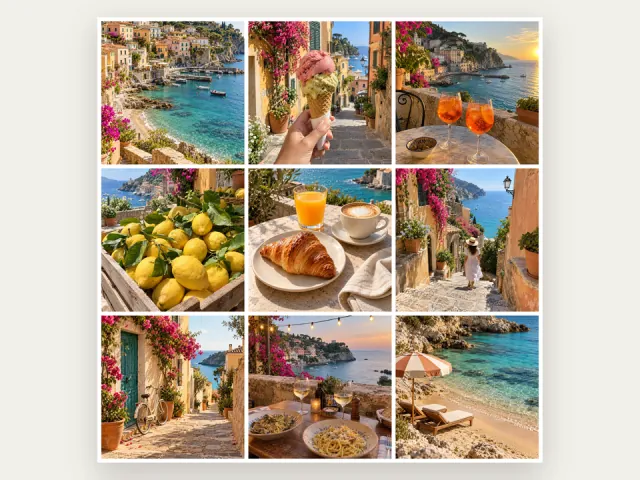
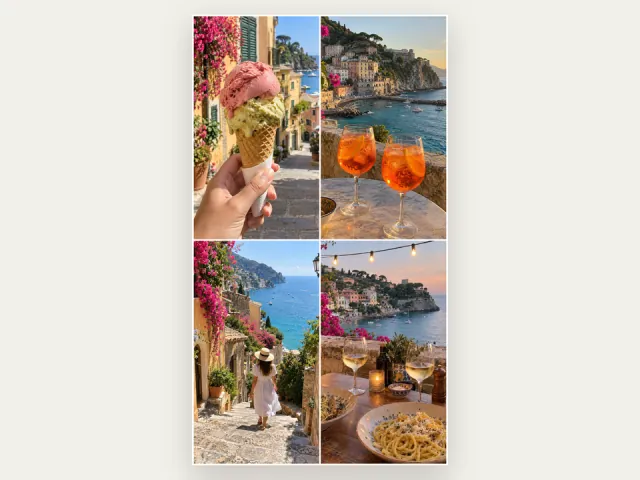

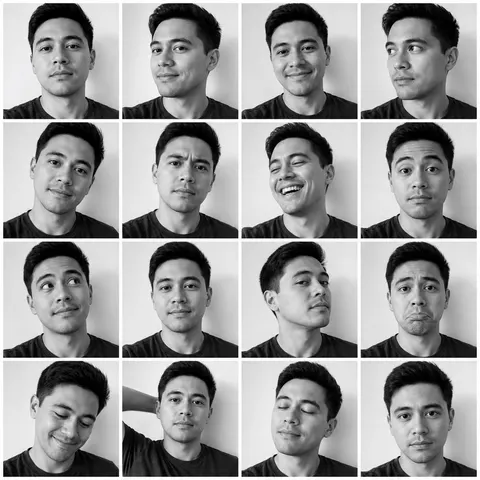
Upload one photo, pick a style — photobooth strip, ripped-paper collage, sticker set — and get a finished, post-ready grid. No prompts, no design skills.
AI results vary and can change faces or details. Your photo is uploaded only when you choose to generate.
Your photoPhotobooth stripRipped paperSticker set
Questions
How do I make a photo grid online?+
Choose photos, pick a layout such as 2x2, 3x3, or custom, adjust spacing and style, then download. Standard collages export as JPG and framed collages as PNG. The free collage tool runs in your browser with no signup.
Is Photo Grid Maker really free?+
Yes. The photo grid maker and all browser tools are free, with no signup, no watermark, and no hidden fees. Optional AI credits only apply to enhanced or generated results.
Is this also a grid maker for drawing and references?+
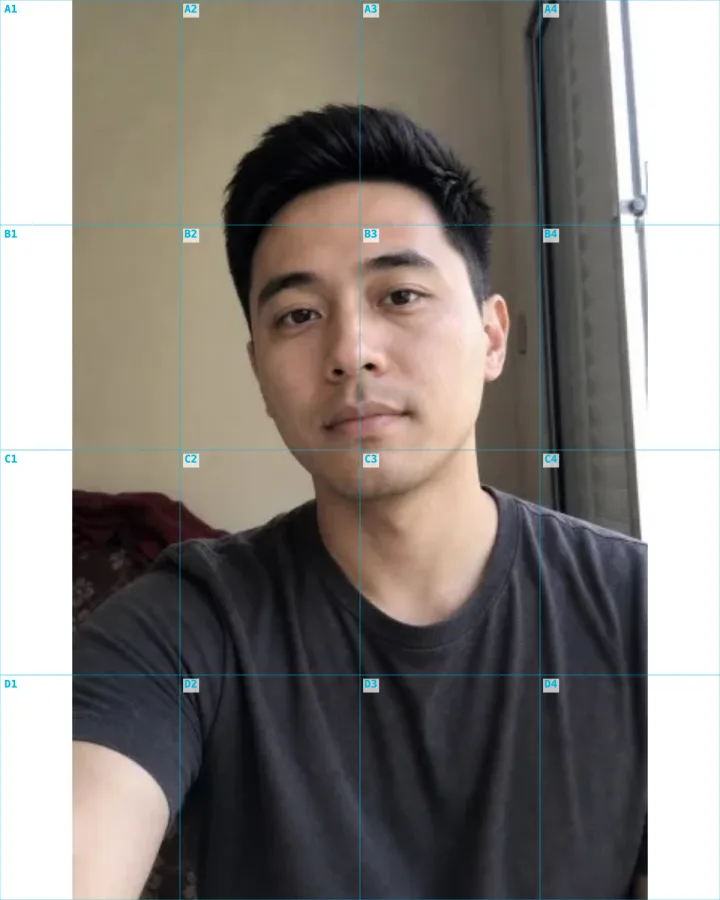
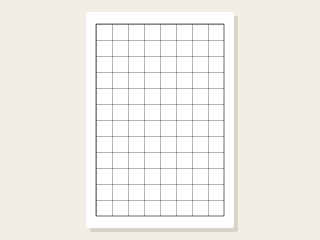
Yes. Beyond photo grids, the grid maker adds precise grid overlays to any image for drawing, mural transfer, and the grid method — with adjustable rows, columns, labels, and printable paper sizes.
The free grid and collage tools process selected photos locally in your browser. If you choose an optional AI tool, your selected image is uploaded for server processing, including by our AI provider. See the privacy policy for that separate flow.
What image formats and sizes are supported?+
Use JPEG, PNG, or WebP source images. Standard collages download as JPG; framed exports use PNG. Large images or dense grids can use more browser memory, so reduce the source size if your device struggles.
What you can make with a photo grid maker
A photo grid maker arranges your images into a clean, even grid — 2x2 for a quick four-photo collage, 3x3 for a classic nine-square block, 4x4 for a dense moodboard, or a custom layout when you need a specific shape. Instead of fighting with margins in a design app, you upload, pick a layout, adjust spacing and background, and export a finished image in seconds.
The same grid idea covers very different jobs: combining several photos into one collage, splitting a single image into tiles for an Instagram puzzle feed, or laying precise grid lines over a photo as a drawing reference. Photo Grid Maker keeps all of those in one place so you can pick the layout that matches the post or project.
Photo grids for Instagram, TikTok, and social feeds
A collage combines several photos into one image for a feed post or cover. A 3x3 collage does not create nine separate posts. To spread one picture across multiple Instagram posts, use the Instagram grid splitter instead.
Choose the output shape for your destination: square for a square post, portrait for a taller composition, or 9:16 for a vertical cover. Keep important subjects away from the edges and check the destination preview for cropping before posting.
Grids for drawing, references, and the grid method
Beyond social, a grid maker is a practical art tool. Adding evenly spaced grid lines over a photo lets you use the grid method — copying one square at a time — to scale a drawing accurately or transfer a mural by hand. You can choose the number of rows and columns, the line style, labels, and a printable paper size so the reference matches your canvas.
Use the drawing-grid tool when you need reference lines rather than a collage. It keeps the source photo behind the overlay so you can compare each cell while drawing.
Why a browser-based grid maker, with no app or signup
The free grid and collage tools process selected photos locally in your browser. They need no account or installation and add no watermark. Standard collage exports download as JPG; framed exports download as PNG.
Optional AI tools work differently: after you choose to generate or enhance an image, the selected image is uploaded for server processing, including by our AI provider. AI generation requires an account and uses credits.
How to choose the right grid layout
Match the layout to the content. A 2x2 grid is ideal for before-and-after pairs or a tight four-photo story; a 3x3 suits a balanced nine-photo set or an Instagram feed block; a 4x4 works for moodboards, product ranges, and recaps where density is the point. For one big picture broken across posts, use a splitter; for many photos combined into one, use a collage grid.
When in doubt, start with a square 3x3 — it is the most familiar grid shape and reads well almost everywhere — then adjust spacing and background to control how busy or minimal the final image feels.