Convert an image into pixel art. Choose pixel size, colors, and grid style, then download a free PNG.
Pixel size control
4–64 color control
Instant PNG export
Photo to Pixel Art editor
Pixel art preview
Waiting for a source image
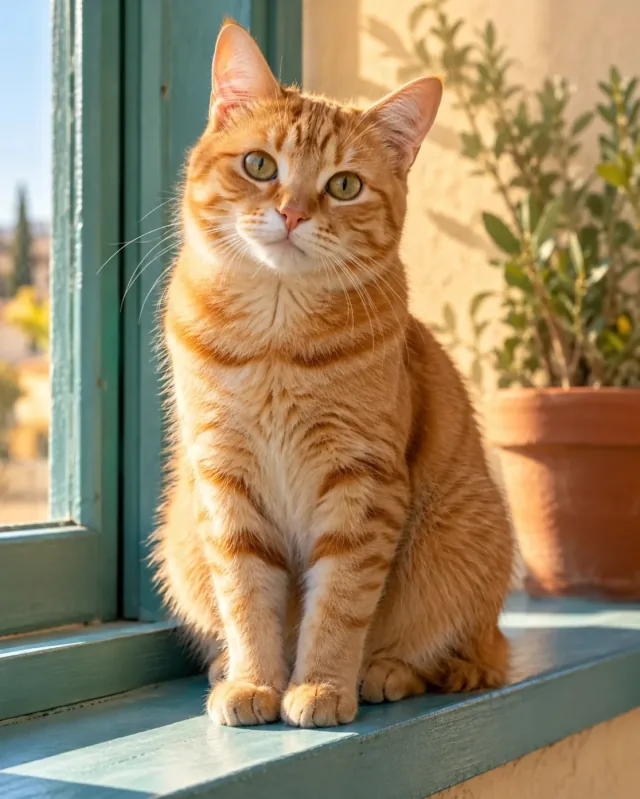
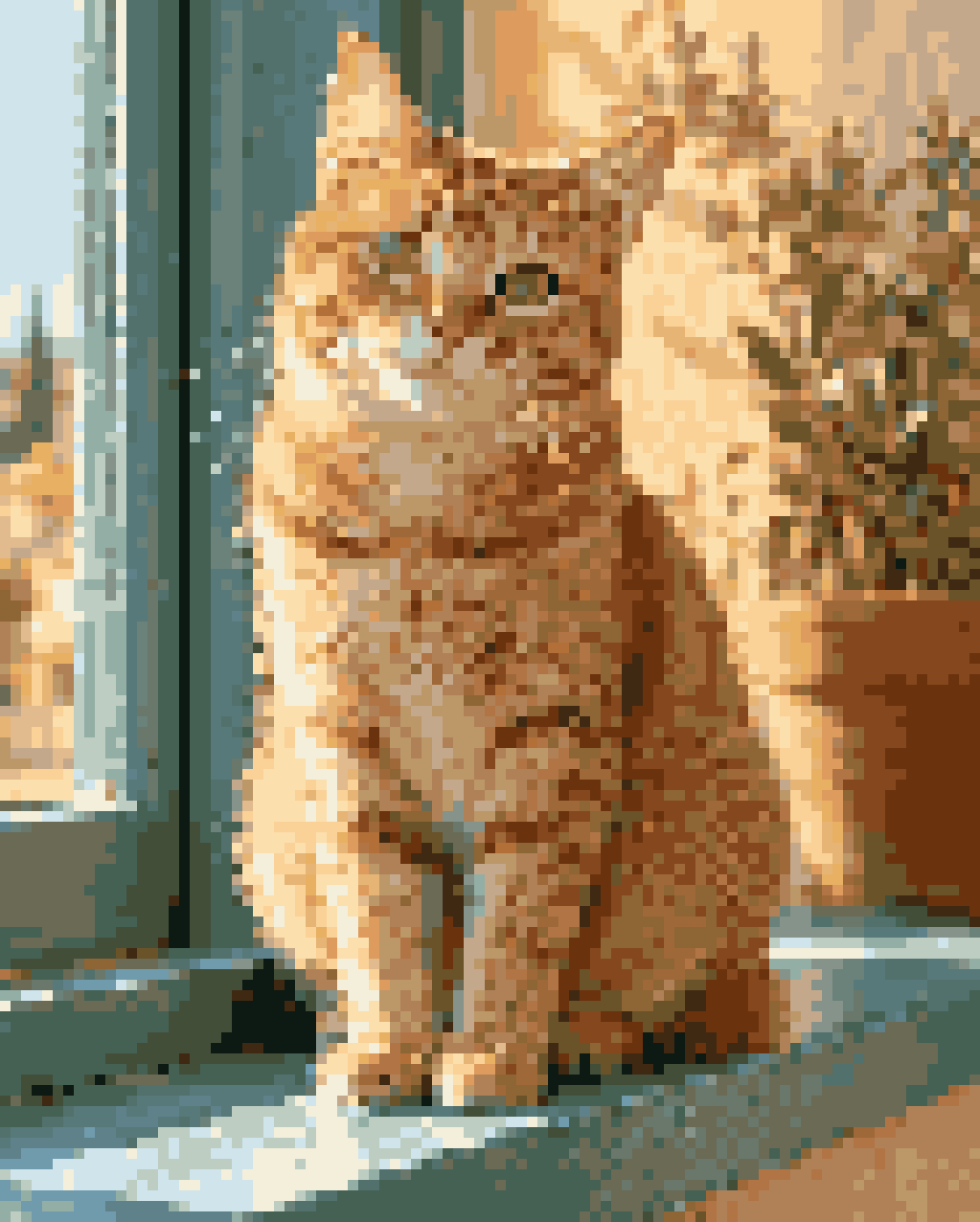
OriginalPixel art
The same cat in Classic pixel art. Compare the blocks and palette.
How to turn a photo into pixel art
1.Upload image
Choose a JPG, PNG, or WebP from your device. The preview starts in your browser.
2.Pick pixel size
Use larger blocks for simpler shapes or smaller blocks for more detail.
3.Choose palette
Choose 4–64 colors, apply the effect, and compare the face or silhouette. The palette is sampled from your image; there is no fixed console-palette preset.
4.Download PNG
Export the finished pixel art as a clean PNG for profiles, posts, games, or references.
Yes. You can turn photos into pixel art in the browser for free, with no signup and no watermark on the export.
Is this an image to pixel art converter?+
Yes. Choose a JPG, PNG, or WebP photo, logo, or screenshot. Adjust pixel size and colors, then apply the effect and download the PNG.
What pixel sizes are supported?+
Pixel size ranges from 4 to 30 px. It controls block size in the processed source, not a target 32×32 or 64×64 download. The source is capped at 2200 pixels on its longest edge and the output is rounded down to whole blocks.
Can I keep the original colors?+
Colors are sampled from your photo, but the converter always reduces them to a palette. Increase Colors toward 64 for more variation or lower it for fewer tones. It cannot preserve every original color exactly.
How is pixel art different from 8-bit art?+
Pixel art describes an image built from visible blocks. Here, 8-bit describes the retro visual style; the tool does not emulate a specific console, offer a hardware palette, or export an 8-bit game asset format.
Can I make a pixel avatar or game sprite?+
You can make a PNG with a pixel-art look. For a game sprite, you may still need to resize it to exact dimensions, remove the background, and check transparency in an editor; those are not automatic export options here.
Will it work on my phone?+
Yes. Upload from your camera roll, adjust the pixel effect, and download the PNG directly from a mobile browser.
Choose pixel size and color count separately
Start from a photo with one clear subject and crop away distracting background. Pixel size controls the size of each block; larger values remove more spatial detail. Colors controls how many sampled colors remain. Change one setting at a time so you can see which change improves the silhouette.
Try 10 px and 16 colors as a starting point, then apply the effect. If the result is busy, increase the block size. If nearby shades blend into a muddy patch, compare fewer colors. These are starting settings, not a guarantee for every photo.
A pixel look is different from a tiny sprite file
The tool reduces the image to blocks, then renders those blocks back at the processed image size. It does not directly export a chosen 32×32 or 64×64 canvas. A processed 600×400 image at a 20 px block size has 30×20 blocks, but the downloaded PNG is still 600×400 pixels.
For an actual game asset, check the engine’s size, background, and transparency requirements separately. The converter does not automatically produce sprite sheets or remove the background.
Use Grid style for a visible cell reference
Classic makes square color blocks. Grid adds outlines over the same block pattern; Rounded and Isometric change the block rendering. Apply again after choosing a style. The Image to Pixel Art Grid page starts with the grid-focused workflow.
A grid image can help plan a craft, but it is not a complete bead or cross-stitch pattern. It has no material counts, numbered symbols, brand color mapping, or separate palette legend.
AI styles
Try a different look for my photo
Choose a style, preview an example, then create an image with AI credits.