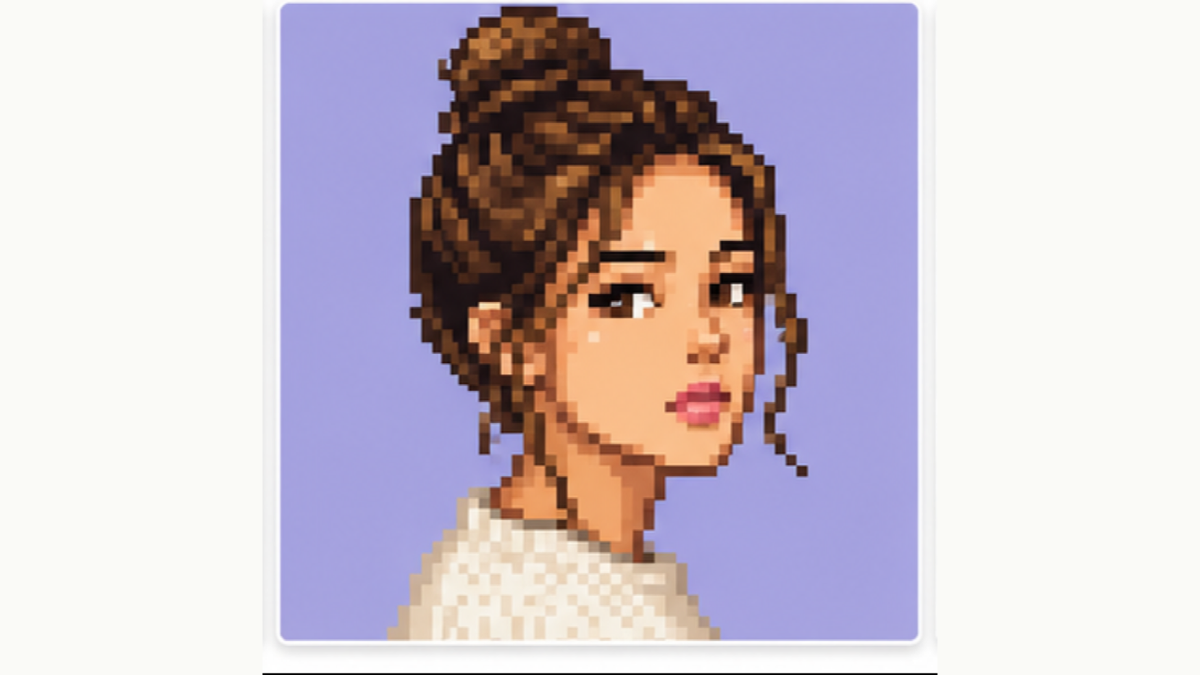
Retro Pixel Avatar
A crisp square-pixel export for profile images and posts.
Free browser tool
Turn an image into a pixel-art grid online. Set the pixel grid size, keep or reduce the palette, preview the blocky grid, then download a PNG. Free, no signup, no watermark.
Waiting for a source image
Examples
Real creator workflows: profile grids, portrait references, and post-ready exports.
A crisp square-pixel export for profile images and posts.
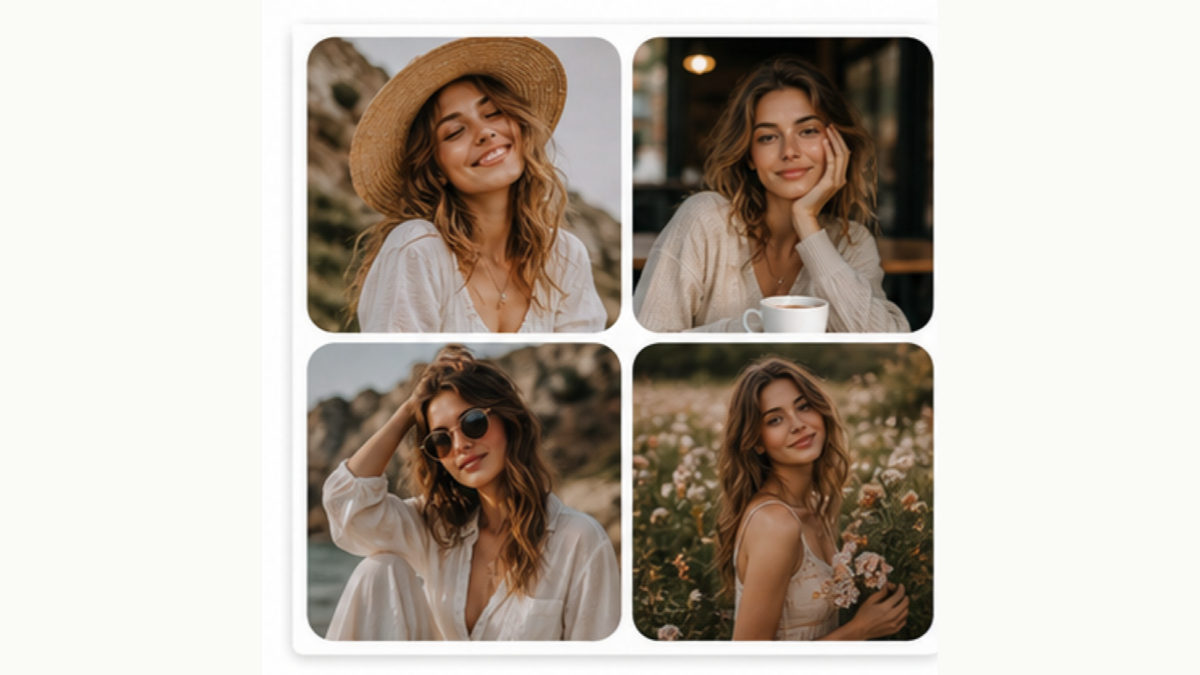
Pair pixel avatars with grid layouts for social posts.
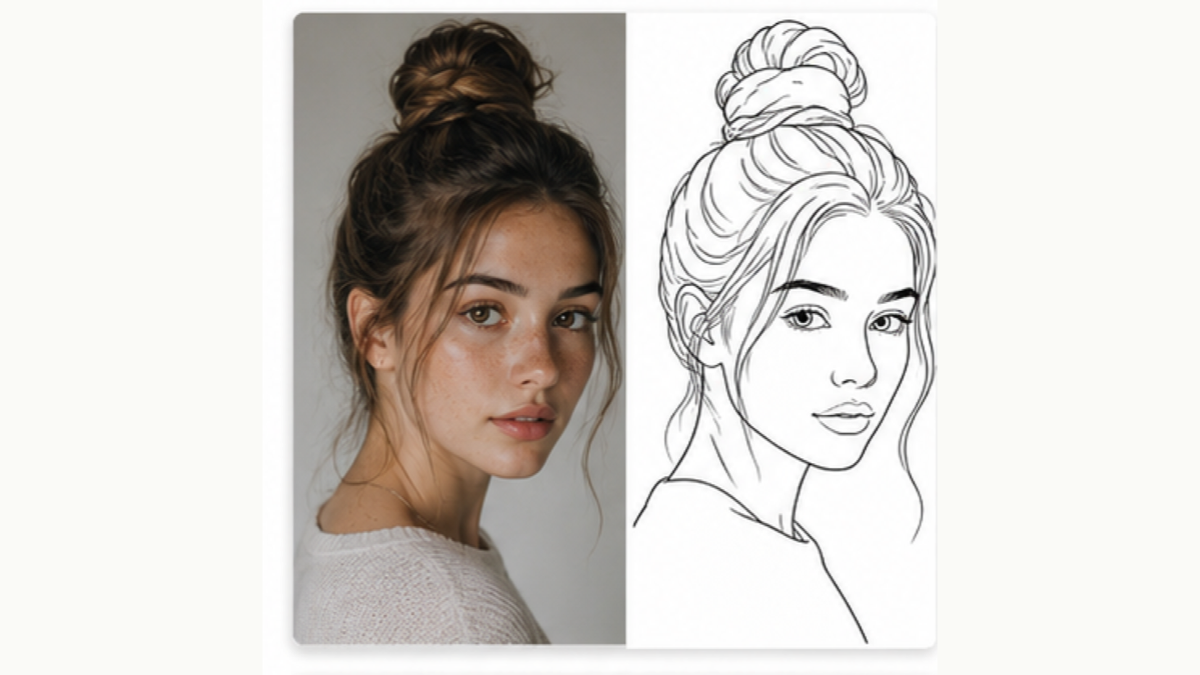
Use sketch when you want texture instead of blocky pixels.
Choose a JPG, PNG, or WebP from your device. The pixel grid preview starts in your browser.
Pick how many pixels across — fewer, larger cells for a bold blocky grid, or more cells for finer detail.
Keep the original colors or reduce the palette for a cleaner retro pixel grid.
Export the pixel-art grid as a clean PNG for avatars, bead and cross-stitch patterns, game tiles, or references.
It turns your image into a grid of square pixels — each cell is one color block. The result reads as pixel art laid out on a clean grid, ready to download as a PNG.
Yes. Upload an image, set the pixel grid size, and download the result for free — no signup and no watermark.
Yes. A pixel grid is a natural starting point for bead art, perler beads, and cross-stitch — each grid cell maps to one bead or stitch.
Adjust the pixel size: larger pixels give fewer, bigger grid cells for a bold look; smaller pixels give a denser grid that keeps more detail.
Yes. Upload from your camera roll, set the grid in a mobile browser, and download the PNG directly.
AI showcase
Use the free browser tool for the base export, then open an AI template when you want a generated style.