
How many photos fit in a grid collage
A 2x2 grid fits four photos; 3x3 fits nine; 5x5 fits twenty-five. Start with the number of photos you want to show.
Check the preview at phone size. If faces or details are too small, use fewer photos.
Make a photo grid from my photos. Choose a layout, check the crop, and download one collage for free.
Waiting for photos
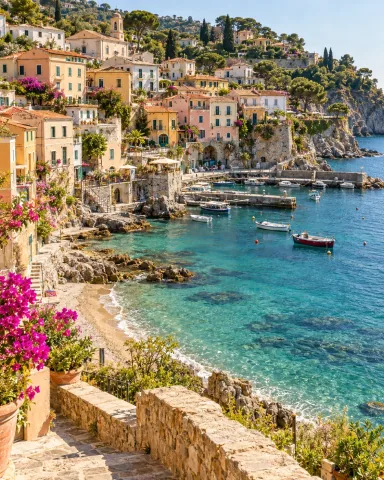

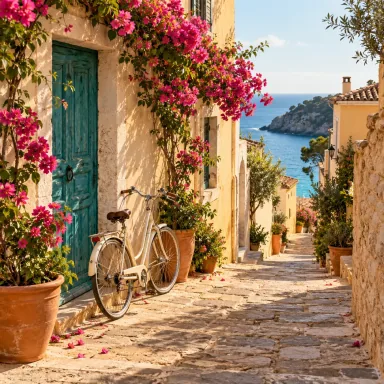
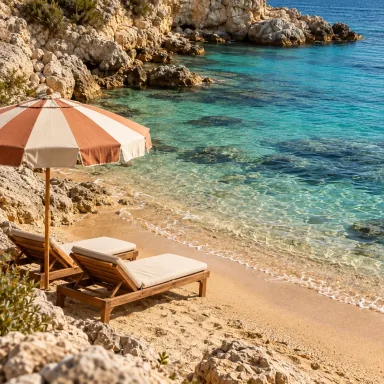
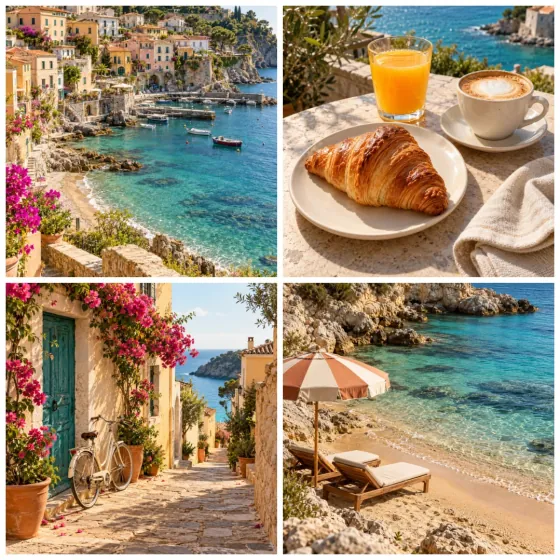
Four travel photos, brought together in a clean 2×2 collage.
Select up to 25 JPG, PNG, or WebP photos from your device to combine into one collage.
Pick a grid preset or customize rows, columns, spacing, shape, and background.
Download one JPG about 1080 pixels wide. Adding a frame or the optional Made with tag changes the output to PNG.
Choose multiple JPG, PNG, or WebP photos, select a layout like 2x2 or 3x3, adjust spacing and background color, then download one collage image. To cut one photo into separate files, use the Instagram Grid Splitter instead.
You can use presets or custom layouts from 1 to 5 rows and 1 to 5 columns, up to 25 photos.
Yes. Combining photos and downloading a collage is free, without signup or a required watermark. AI generation and enhancement are separate features that use credits.
Yes. You can adjust spacing, cell shape, background color, and rounded corners.
The standard collage is one JPG about 1080 pixels wide. Its height depends on rows, columns, cell ratio, and spacing. Adding a frame or the optional Made with tag produces a PNG and may change the final dimensions.
The free collage runs locally in your browser. Your latest result may be saved temporarily in the current tab for an optional AI handoff. If you start AI generation or enhancement, the image you choose to send is uploaded for processing.
A 2x2 grid fits four photos; 3x3 fits nine; 5x5 fits twenty-five. Start with the number of photos you want to show.
Check the preview at phone size. If faces or details are too small, use fewer photos.
Increase Spacing to separate the photos. Choose a background color to set the color of the gaps.
Cell shape changes every cell. Rounded corners soften their edges; set the value to zero to keep square corners.
Every photo fills the same cell shape. Mixing portrait and landscape photos can crop faces or text, so inspect each cell before downloading.
All cells in this editor have the same size; there are no merged or individually enlarged cells. Use Edit on a photo to prepare its crop, or change the cell aspect ratio for the whole grid. Check faces and text in the preview before exporting.
Check the exported image size before ordering a print. The starting photos cannot increase the fixed download width.
The standard collage download is a JPG at about 1080 pixels wide; adding a frame or the optional Made with tag produces a PNG. A 1080-pixel image printed 6 inches wide is about 180 pixels per inch. Printing at A4 does not add detail, so check the result at the intended print size.
The free collage is built and downloaded in your browser without uploading your photos to our server. It needs no account or app, and no watermark is added unless you turn on the optional Made with tag.
A copy of your latest result may be kept temporarily in the current browser tab so you can continue with an optional AI tool. Starting AI generation or enhancement uploads the image you choose to send for processing; those separate features require an account and credits.
AI styles
Choose a style, preview an example, then create an image with AI credits.