
How to Choose a Photo Grid Maker: Collage, Splitter, or Drawing Grid
Choose the right photo grid workflow for your task. Compare inputs, outputs, cropping, download formats, and the limits of PhotoGrid’s free browser tools.
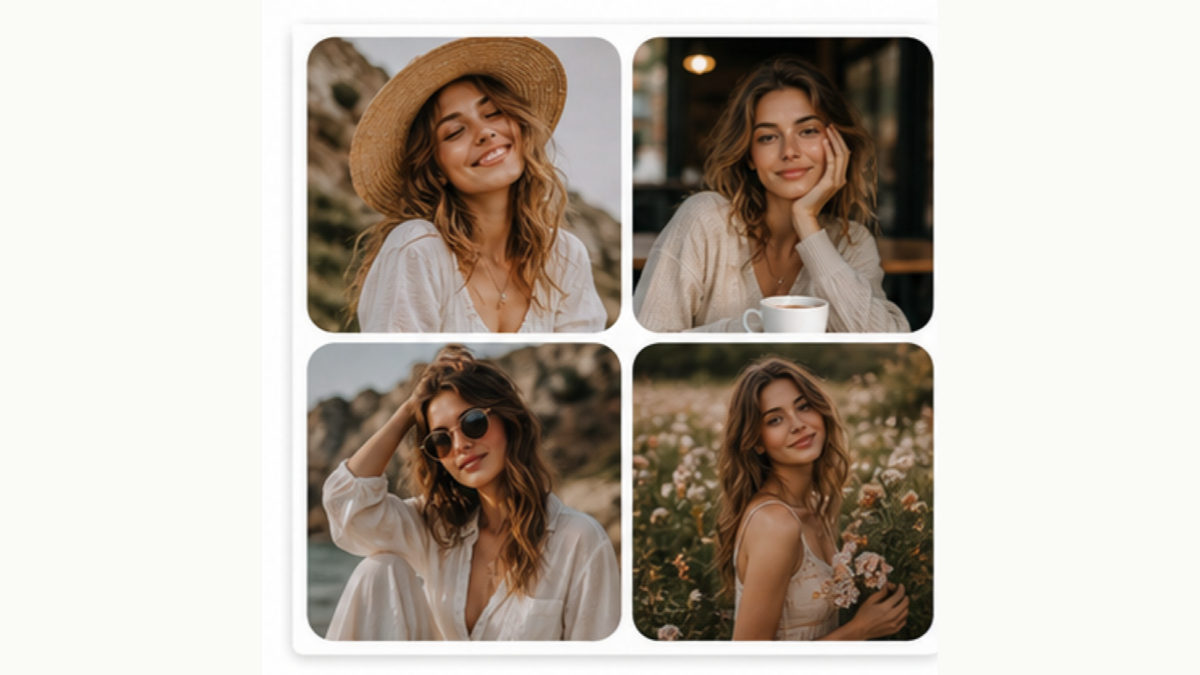
A “photo grid maker” can mean three different tools. If you have several photos and want one image, use a collage maker. If you have one photo and want separate tiles, use a splitter. If you want lines over a drawing reference, use a drawing grid.
This guide compares those workflows in PhotoGrid. It is not a ranked survey of competing products.
Which grid tool matches my task?
| Your task | Input | Output | Start here |
|---|---|---|---|
| Combine a holiday, product set, or photo recap | Several photos | One collage image | Photo Grid Collage |
| Cut one large picture into separate posts | One photo | Numbered image tiles in a ZIP | Instagram Grid Splitter |
| Copy proportions by hand | One reference photo, or no photo for a blank guide | A PNG with grid lines and optional labels | Photo to Grid |
| Make a nine-photo collage for one post | Up to nine photos | One 3×3 collage image | 3×3 Photo Grid Maker |
Can I make a collage without an account or watermark?
Yes. The free collage tool combines 1–25 photos in your browser. Choose 1–5 rows and columns, adjust spacing and cell shape, and download. An account is not required for that workflow. The optional Made with tag is off by default.
Separate AI actions require login and credits. They upload the image you choose to send; the local collage does not need that upload.
What should I check before choosing a tool?
Cropping: PhotoGrid fills equal-size collage cells by cropping each photo. All cells share one shape. Use Edit to prepare a source crop, and check faces at the edges. This editor does not merge cells or give one photo a larger tile.
File size: The base collage export is about 1080 pixels wide. It is JPG by default; choosing a frame or the optional tag produces PNG. A drawing grid uses a different export path and can be downloaded at 2400 pixels wide.
Print size: Pixels and inches are different. A 1080-pixel image printed 6 inches wide has about 180 pixels per inch. A larger paper size does not create additional detail. Check the print service’s requirements and make a test print.
When do I need a different workflow?
For independently sized collage cells, editable vector outlines, a multi-page PDF, or a custom high-resolution print canvas, check that the chosen editor explicitly supports those outputs. A collage, image splitter, and drawing overlay solve different tasks even when search results call all three a “grid maker.”