Instagram Carousel Maker

Turn photos into an Instagram swipe carousel. Mix vertical and horizontal photos, span panoramic photos across two slides, and download 1080x1350 PNG slides free.

  • Free · No signup
  • 1080×1350 PNG slides in a ZIP
  • Seamless panorama · Zero gap

Slice one continuous wide banner image

Instagram Carousel Maker editor

0 slides (4:5 1080×1350)
Swipe or scroll to preview transitions:
Slide 1 of 0

Active Slide Layout

Slide #1
Add new slide:

Style & Presentation

Canvas Background
Film Look Preset
Photo Frame

Instagram carousel layout ideas

  • Seamless panorama spread

    Seamless panorama spread

    Span one landscape photo across two slides with zero seam line.

  • Mixed portrait collage

    Mixed portrait collage

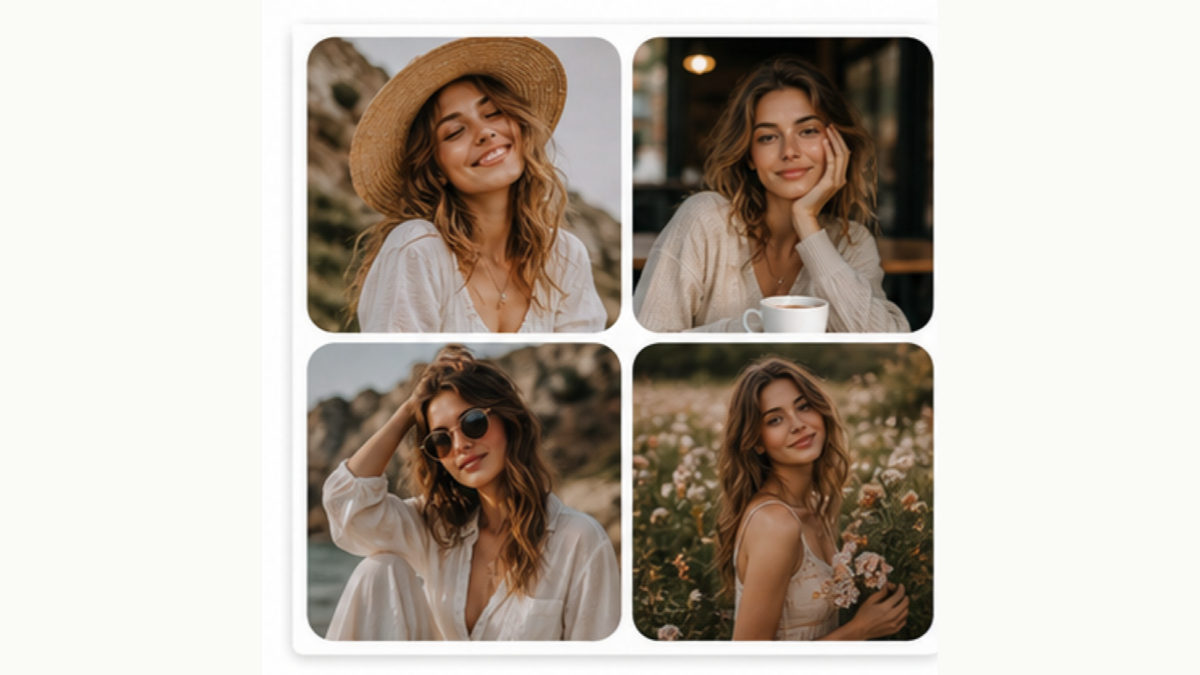
    Combine full-bleed portraits with 2-photo split cards.

  • Photo dump carousel

    Photo dump carousel

    Fit vertical, horizontal, and grid layouts into one cohesive swipe story.

How do I create an Instagram photo carousel?

  1. 1.Upload your photos

    Upload portraits, landscapes, or panoramic shots. Drag or click arrows to arrange your preferred swipe order.

  2. 2.Choose layouts & panorama splits

    Set individual slide layouts or let wide photos span seamlessly across two consecutive slides with zero gap.

  3. 3.Export ready-to-post slides

    Download your numbered 1080×1350 PNG slides in a ZIP. On Instagram, select them in order (01, 02, 03) to publish.

Before I download

What is the resolution of each carousel slide?

Every slide exports as a crisp 1080×1350 pixel PNG (Instagram 4:5 portrait ratio), maximizing feed screen space without unwanted compression.

How does the seamless panoramic spread work?

When you choose a panorama layout, a wide image is divided precisely at the midpoint into two consecutive 1080×1350 slides with zero pixel overlap and zero white gap, creating an unbroken transition when swiped.

Can I mix portrait and landscape photos without awkward crops?

Yes. Use the Single Fit layout to keep the full original photo with a clean background margin, or combine multiple photos into a 2-photo split or 4-photo grid slide.

How do I upload the slides to Instagram in the correct order?

The exported ZIP contains numbered files: slide-01.png, slide-02.png, slide-03.png. In the Instagram app, tap create post (+), choose multiple photos, and tap the images in order starting from 01.

Is this carousel maker completely free and private?

Yes. All slicing, layout composition, and ZIP packaging happen directly in your web browser. No photos are sent to a server, and no signup or watermark is required.

Why 4:5 (1080×1350) is the optimal Instagram carousel size

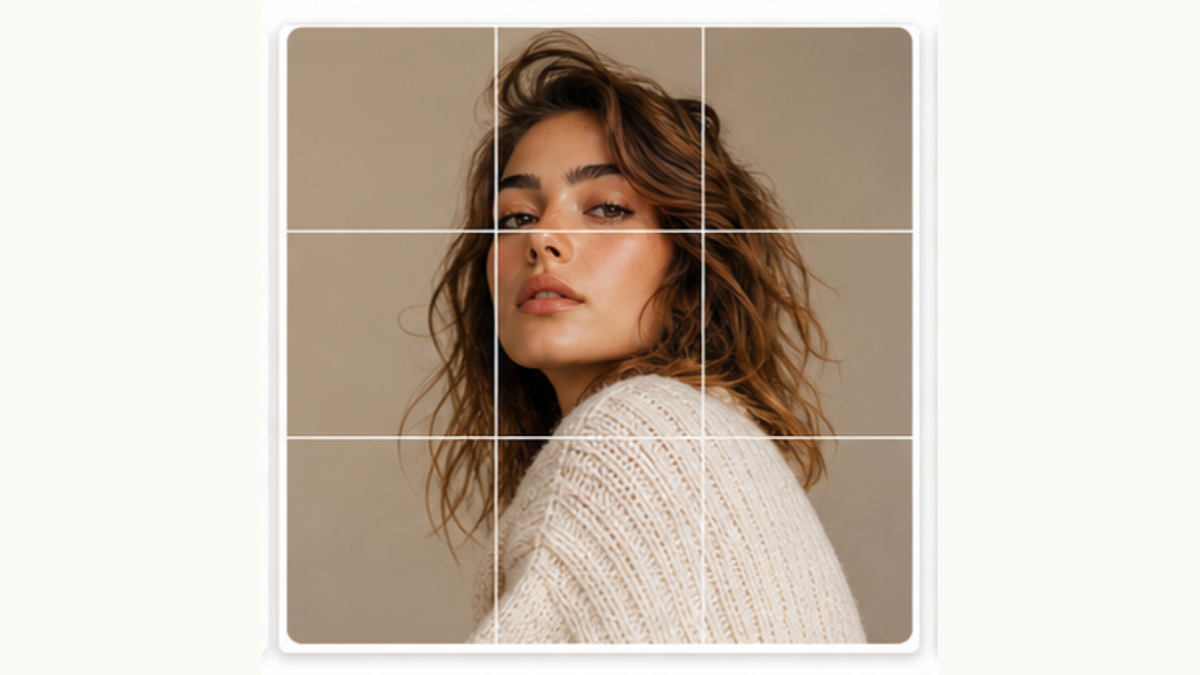
Instagram carousels fill the largest area on mobile screens when formatted in a 4:5 vertical aspect ratio (1080×1350 pixels). Square (1:1) or horizontal (16:9) posts leave massive unused vertical space on mobile feeds.

By preparing every slide at exactly 1080×1350 px, Instagram will not automatically crop or compress your slides unpredictably. Panoramic shots spanning across two slides give viewers a delightful continuous swipe effect.

AI styles

Try a different look for my photo

Choose a style, preview an example, then create an image with AI credits.

Loading AI templates.