
30 AI styles
AI Grid Maker
Turn my photo into an AI grid, portrait, or collage. Choose a style, then make one image.
4 free AI credits with a new account · no card required
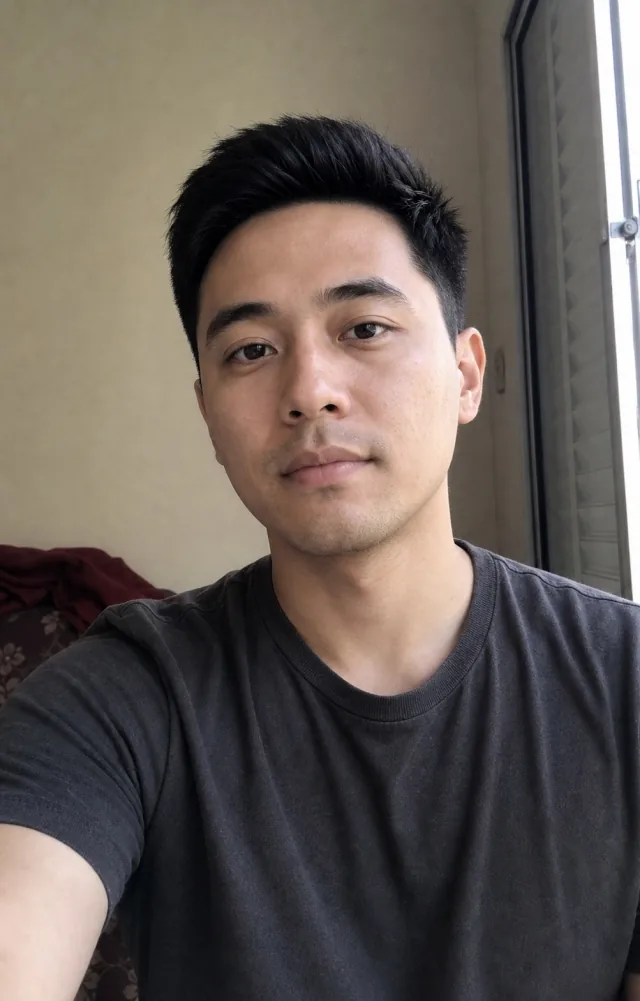
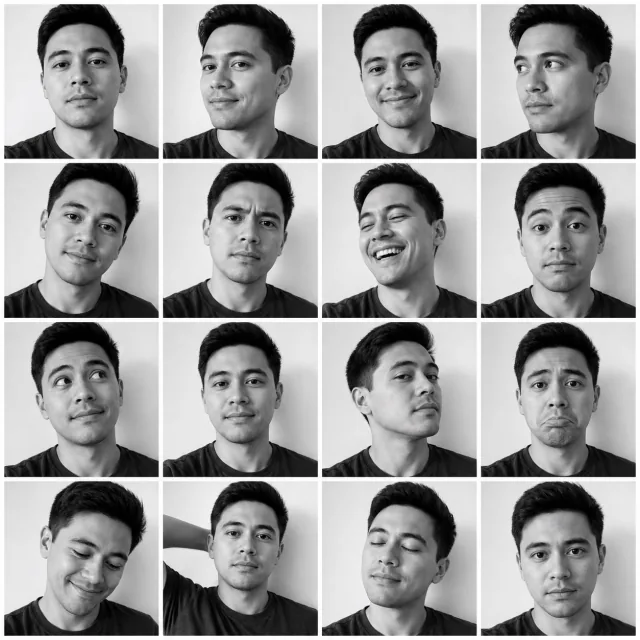
Same photo, three AI interpretations.
AI styles
Choose a look for my photo
Each style creates one image. The credit cost is shown before you generate.
How to create an AI grid from one photo
- Upload one PNG, JPEG, or WebP image up to 10 MB.
- Choose one style and a square (1:1), portrait (4:5), or vertical (9:16) frame.
- Review the credit cost, sign in, and generate one 1K image.
- Compare the result with your original and download it. Another style is a separate run.
How many credits do I need?
Currently listed template costs: 2 credits per result. A new account receives 4 starter credits without a card. A style costing 2 credits can run twice with that starting balance. Choosing from the style gallery does not generate every style at once.
Grid templates use 1K output. For image enhancement or higher resolution, use Image Enhancer: 1K costs 2 credits, 2K costs 4, and 4K costs 6. Starter credits alone do not cover 4K. See one-time credit packs.
Will my photo stay the same?
AI generates a new image from your photo and the chosen style. Faces, text, product details, and colors can change. Examples show possible results, not a guarantee for every upload. Review each result before publishing it.
Your selected image is uploaded for server processing, including by our AI provider. To arrange existing photos without generative edits, use the free collage maker. To cut one photo into separate posts, use the Instagram grid splitter.