




Turn a Photo into an Instagram Grid: Nine Separate Tiles

Turn one photo into a three-by-three Instagram grid. Preview the cuts, select a tile shape, and download nine PNG tiles together.

  • Free browser tool
  • No signup required
  • No watermark

Turn a Photo into an Instagram Grid: Nine Separate Tiles editor

Instagram grid preview

Waiting for a source image

OriginalPosting order
Original
Post 9
Post 8
Post 7
Post 6
Post 5
Post 4
Post 3
Post 2
Post 1

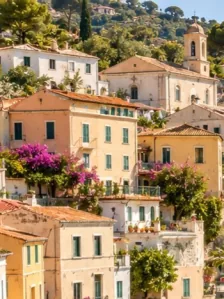
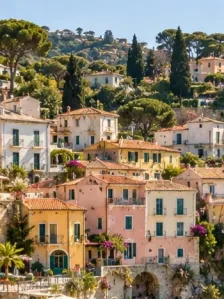
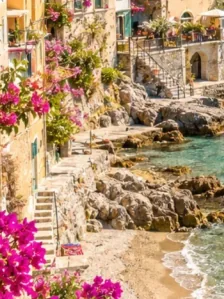
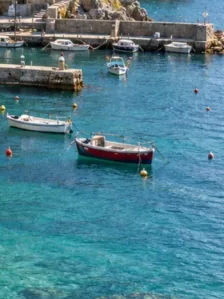
One coastal photo, nine tiles. Post in the numbered order, starting with 1.

How do I use this tool?

  1. 1.Choose one source photo

    Use a clear image with the subject away from the edges. A large original leaves more detail for nine separate tiles.

  2. 2.Preview nine pieces

    Keep three rows and three columns, choose the tile ratio, and inspect where the divisions cross the subject.

  3. 3.Download and arrange

    Save the PNG tiles as a ZIP. Follow the feed posting guide and check the crop of each image in Instagram.

Before I download

Will the tool upload the tiles to Instagram?

No. It prepares PNG files and a posting guide. You select and publish the files yourself, checking the platform preview before confirming each post.

Can I combine nine different photos here?

This workflow starts from one source image. Use Instagram Grid Maker to combine separate photos into one collage instead.

Plan the image around the divisions

A three-by-three grid creates four internal dividing lines across the composition. Check eyes, text, logos, and other features that should not land on those boundaries. A landscape with broad shapes is often easier to divide than a tight headshot. The tile ratio affects the combined crop, so choose it before deciding whether the photo works as a complete grid.

Keep the source and tile files together

Store the original photo beside the downloaded ZIP so you can regenerate the tiles if you change the layout. Post files from post-01 upward. The guide already accounts for the reversed visual order. Review all nine files before posting. Platform preview crops and later posts can change how the assembled profile looks.

AI styles

Try a different look for my photo

Choose a style, preview an example, then create an image with AI credits.

Loading AI templates.