


Instagram Grid Puzzle Maker: Divide One Design into Nine

Create a nine-tile Instagram grid puzzle from one finished design. Preview the divisions and download PNG pieces with a feed posting guide.

  • Free browser tool
  • No signup required
  • No watermark

Instagram Grid Puzzle Maker: Divide One Design into Nine editor

Instagram grid preview

Waiting for a source image

OriginalPosting order
Original
Post 9
Post 8
Post 7
Post 6
Post 5
Post 4
Post 3
Post 2
Post 1

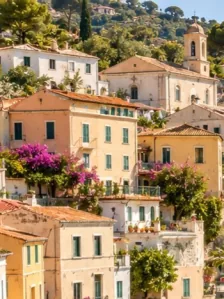
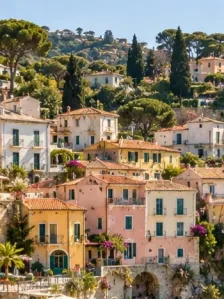
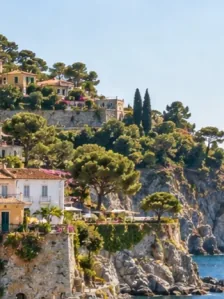
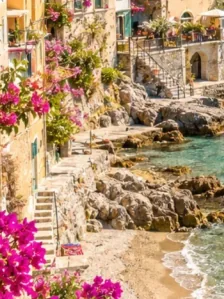
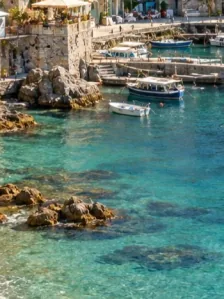
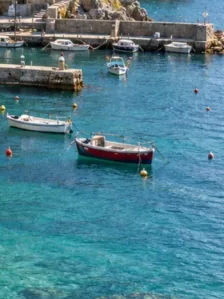
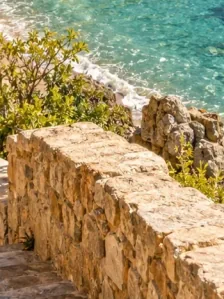
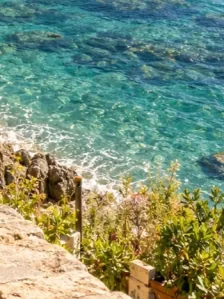
One coastal photo, nine tiles. Post in the numbered order, starting with 1.

How do I use this tool?

  1. 1.Prepare one design

    Upload a complete composition with room around faces, text, and logos. The tool cuts existing artwork rather than designing each tile separately.

  2. 2.Inspect the puzzle

    Review the three-by-three split. Check whether every tile works alone and whether key features cross a boundary.

  3. 3.Download the full set

    Save the ZIP and use the feed posting guide. Review the final upload crops before publishing the sequence.

Before I download

Can this build a puzzle from different photos?

The splitter accepts one source image. Combine photos into a single design first, then use that saved image here when you need a tiled puzzle.

Will it create captions or post automatically?

No. The output is a set of PNG files with ordering guidance. Captions, account access, and publishing remain separate tasks.

Design for seams before exporting

The strongest puzzle compositions do not depend on a word or face aligning perfectly across a narrow seam. Place critical information inside a tile and use background shapes or color to connect neighboring pieces. Give each section something useful to show on its own. This makes the design more understandable when viewers encounter only one post in their feed.

Maintain a complete source file

Keep your original composition and the complete tile set together. If you change the ratio or row count, regenerate all tiles so their boundaries remain consistent. A profile puzzle is also affected by how its posts are arranged over time, so plan what happens when you publish the next image. The preview cannot control future account layout changes.

AI styles

Try a different look for my photo

Choose a style, preview an example, then create an image with AI credits.

Loading AI templates.