
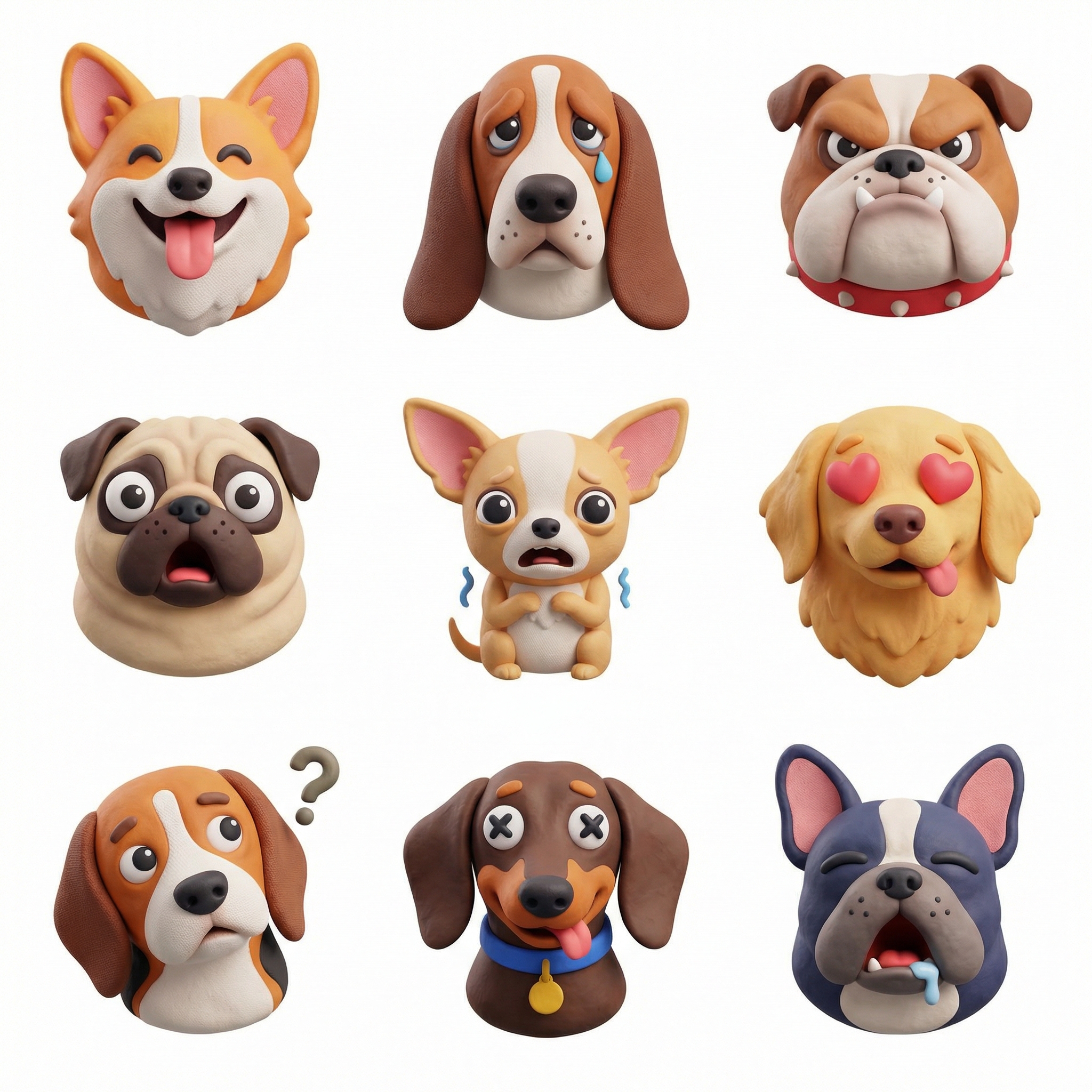
1:1 · 3x3 icon system2 credits
Tactile icon grid
Generate a cohesive 3x3 icon family from one theme or brand reference.
Ceramic study
One clear product view, one close look at the surface. Give the material room to speak.
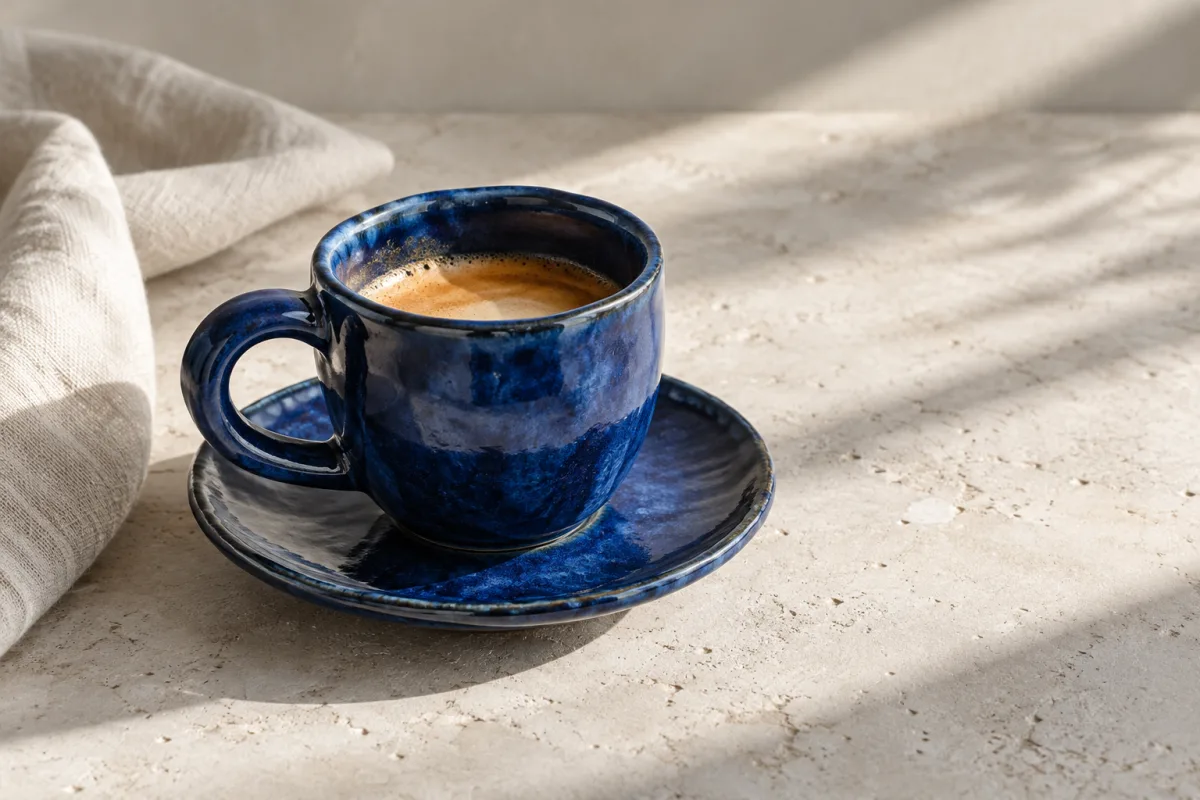

Editorial arrangement with AI-generated example photos. Use these photo-selection ideas in your own grid; this is not a preset template.
Keep the outline, handle, and base visible in the main photograph. Leave enough space that the product still reads in a small preview.
Move in close to show texture, stitching, glaze, or another detail that is hard to see in the main view.
Use your actual product photos for a listing. These AI-generated source images demonstrate composition, not the details of a real item.
Ideas
AI creates a new image from one photo and uses credits. Free tools arrange or split your existing images.
1:1 · 3x3 icon system2 credits
Generate a cohesive 3x3 icon family from one theme or brand reference.
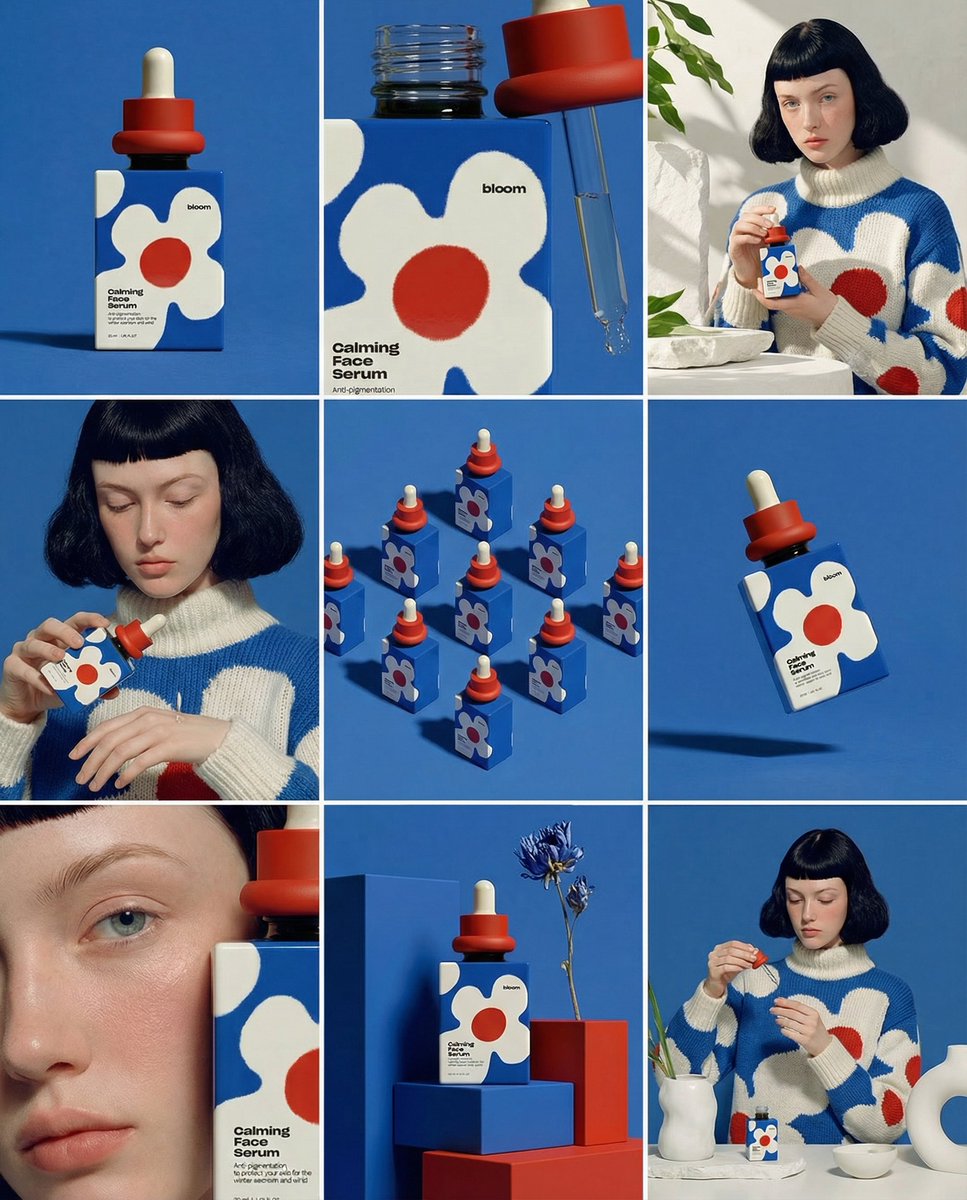
4:5 · 3x3 product storyboard2 credits
Turn one product photo into a 9-panel designer mockup presentation.
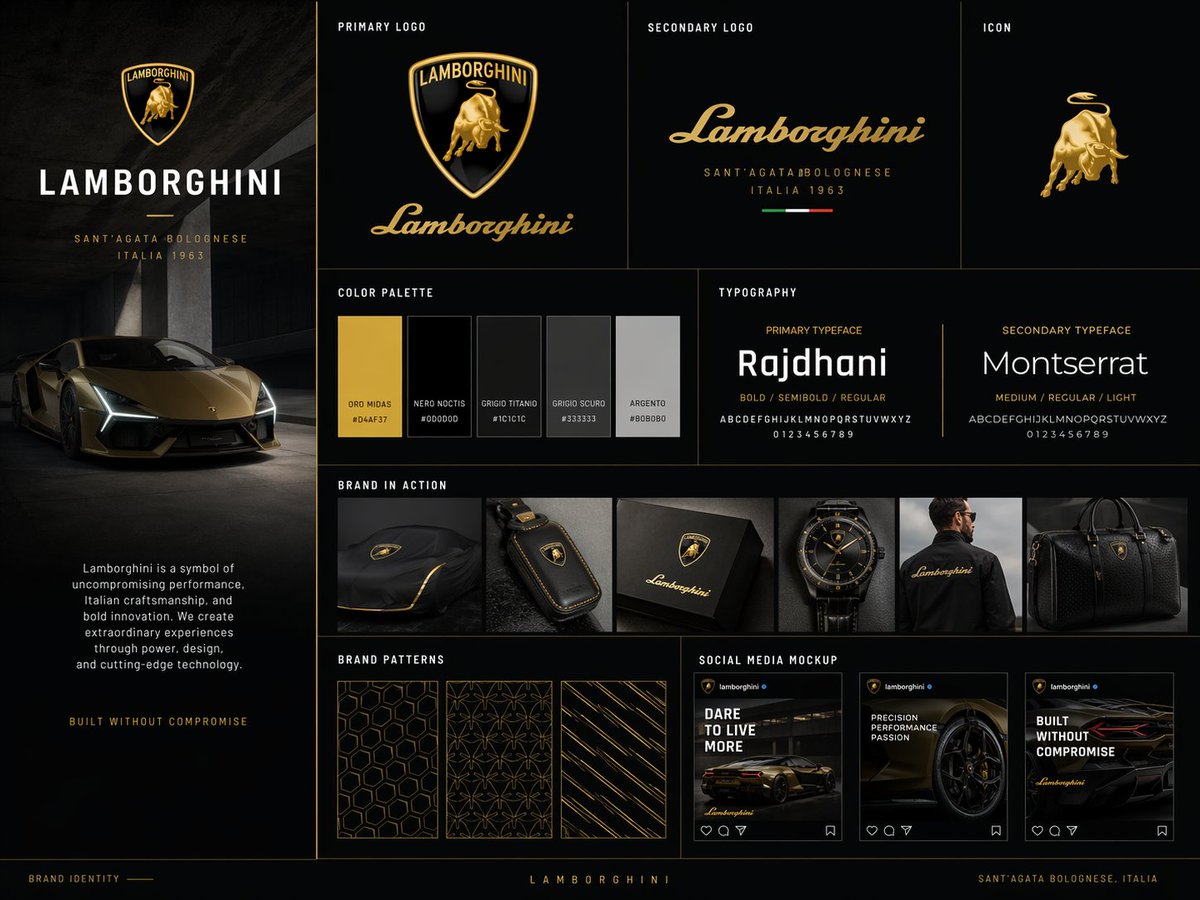
4:5 · brand kit board2 credits
Present a logo or product reference as a polished brand studio slide.
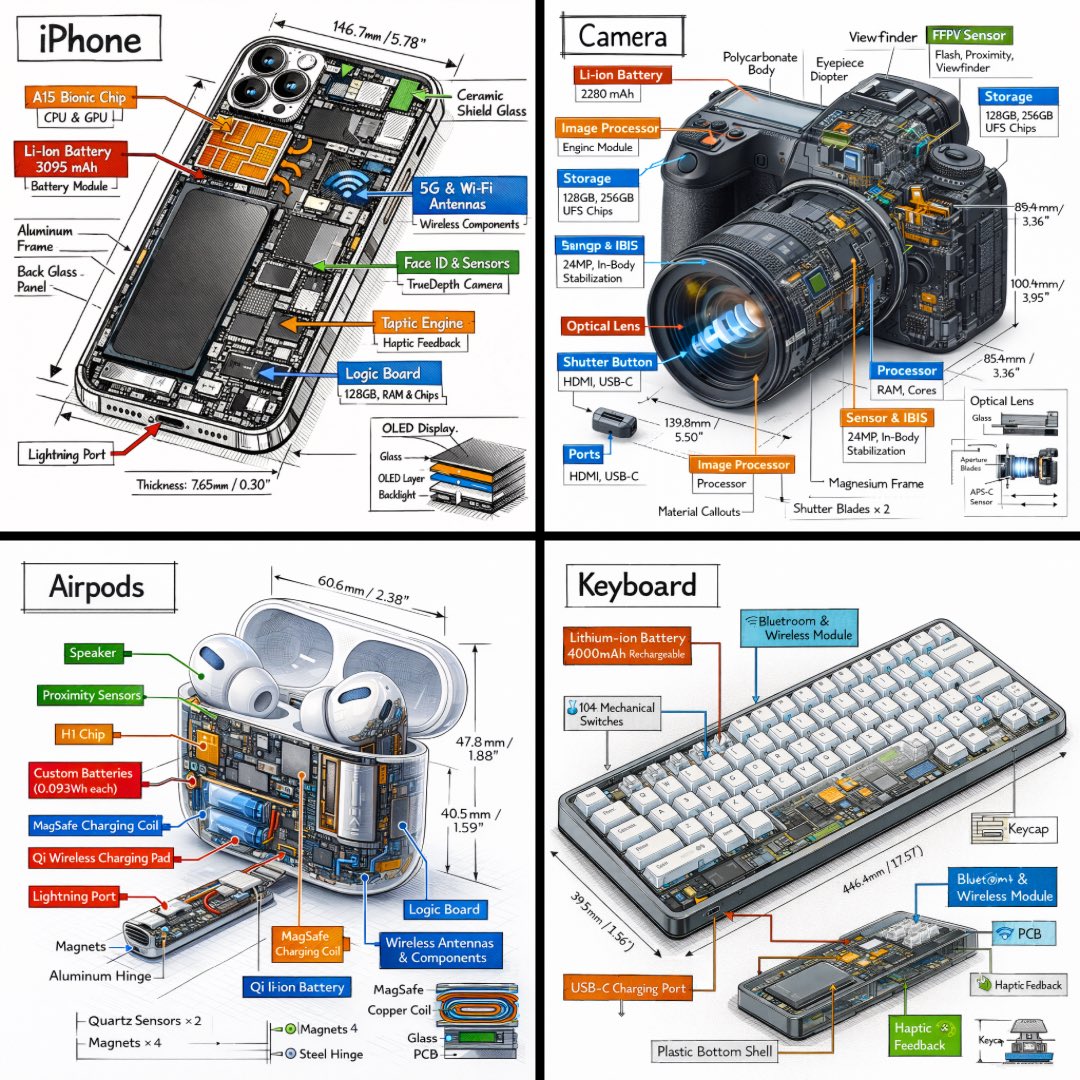
4:5 · isometric tech infographic2 credits
Create a blueprint-style 3D technical sheet from one uploaded object.
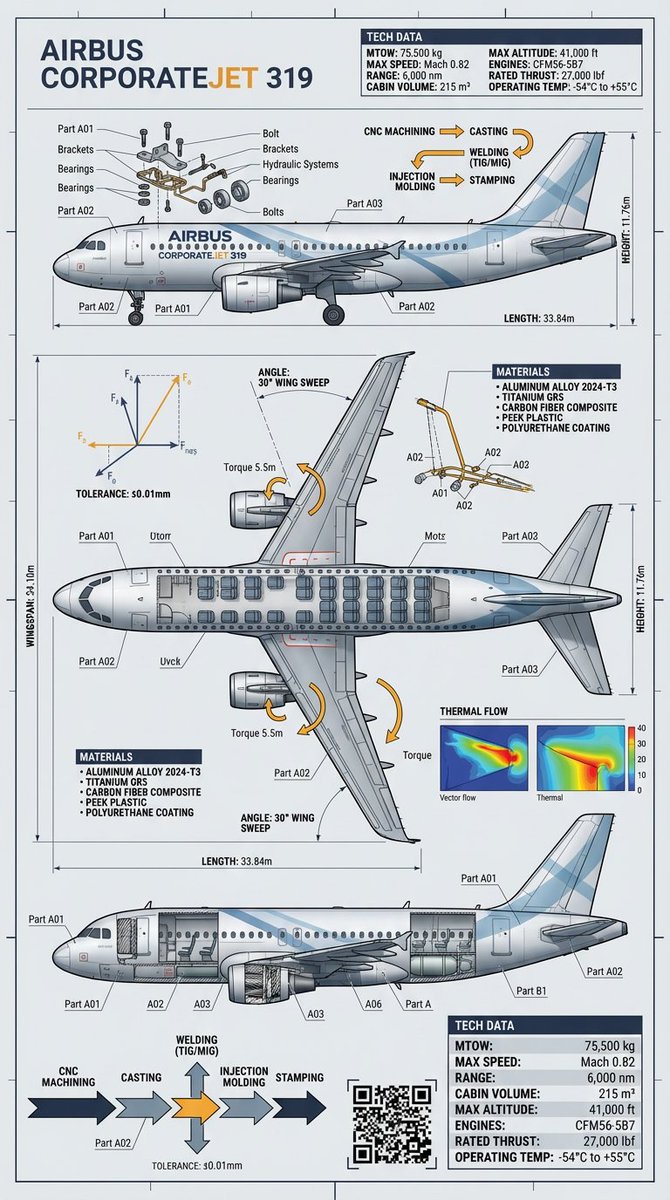
4:5 · technical object infographic2 credits
Convert one object photo into a precise engineering-style infographic.
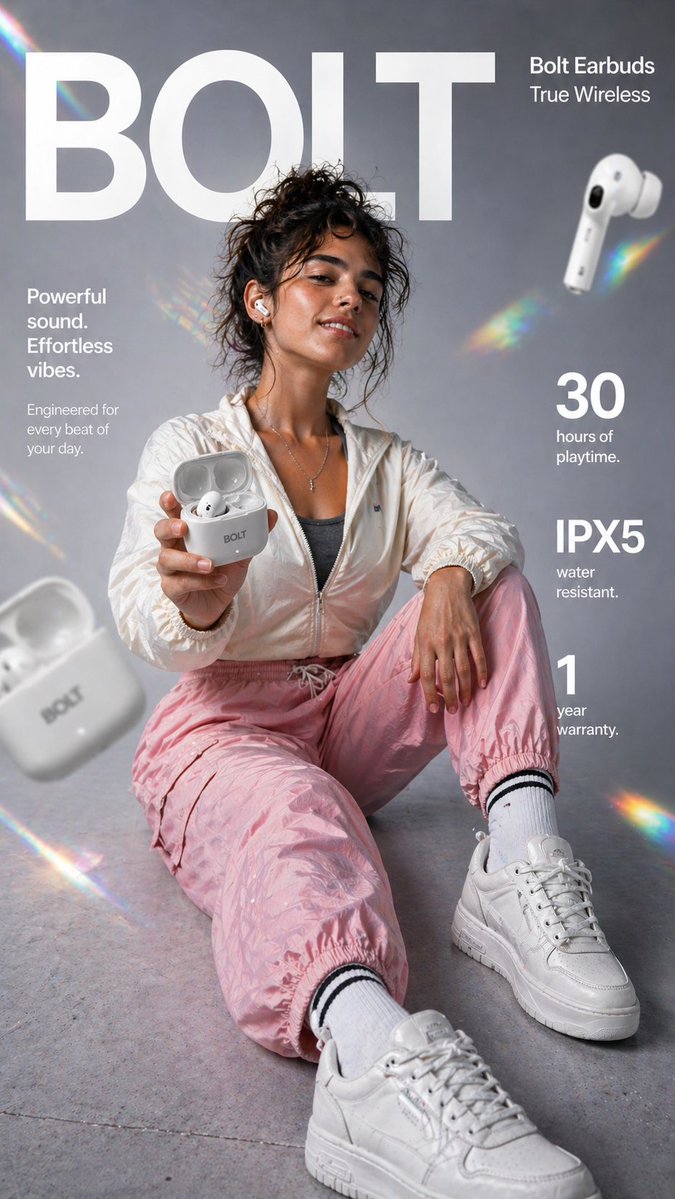
9:16 · ecommerce infographic2 credits
Build a vertical product ad infographic from one product or lifestyle reference.
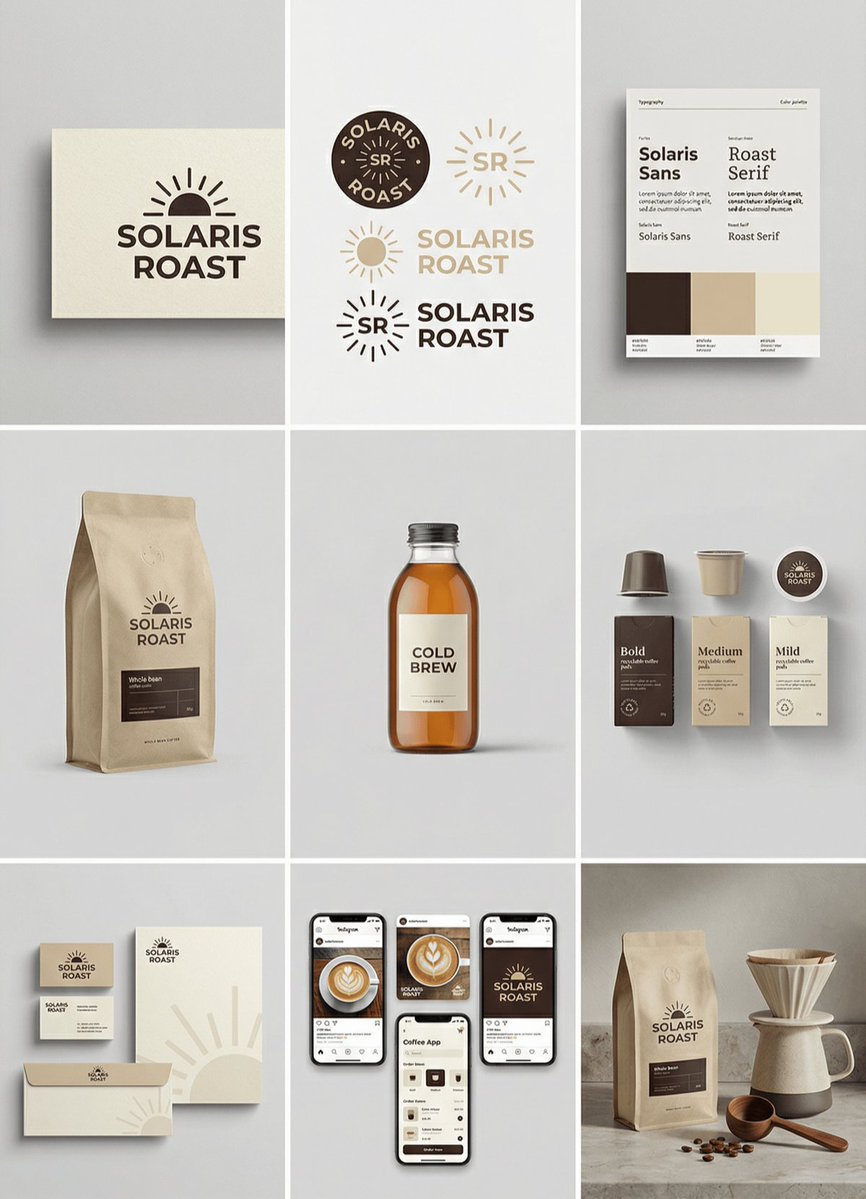
1:1 · 3x3 brand identity grid2 credits
Build a cohesive 3x3 visual identity system from one brand reference.

3:4 · 3x3 product campaign2 credits
Create a high-end 3x3 campaign board around one uploaded product.
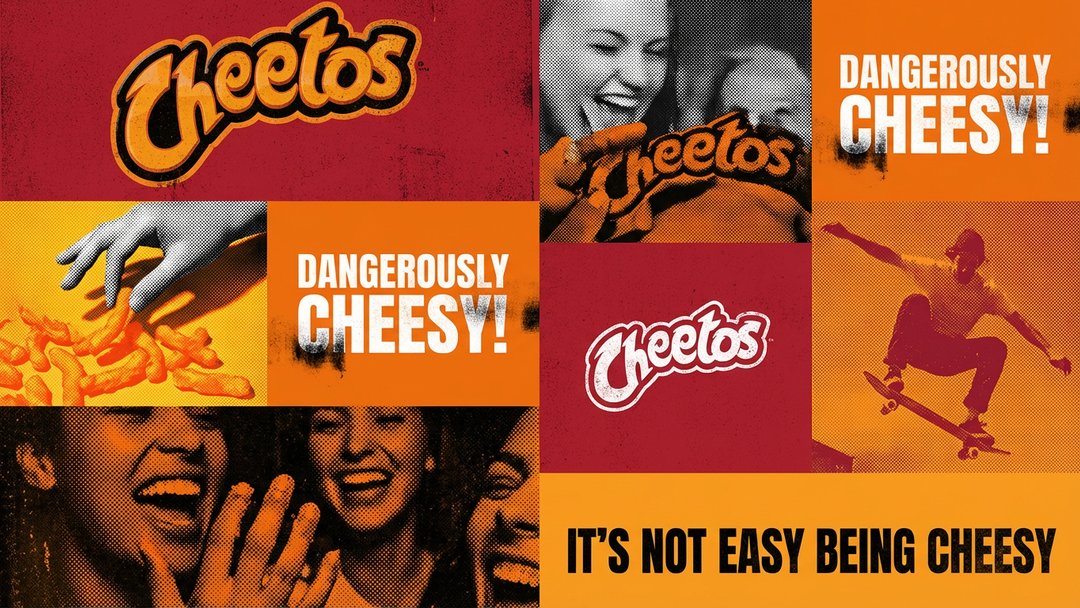
4:5 · campaign identity grid2 credits
Turn one brand reference into a structured campaign visual system.
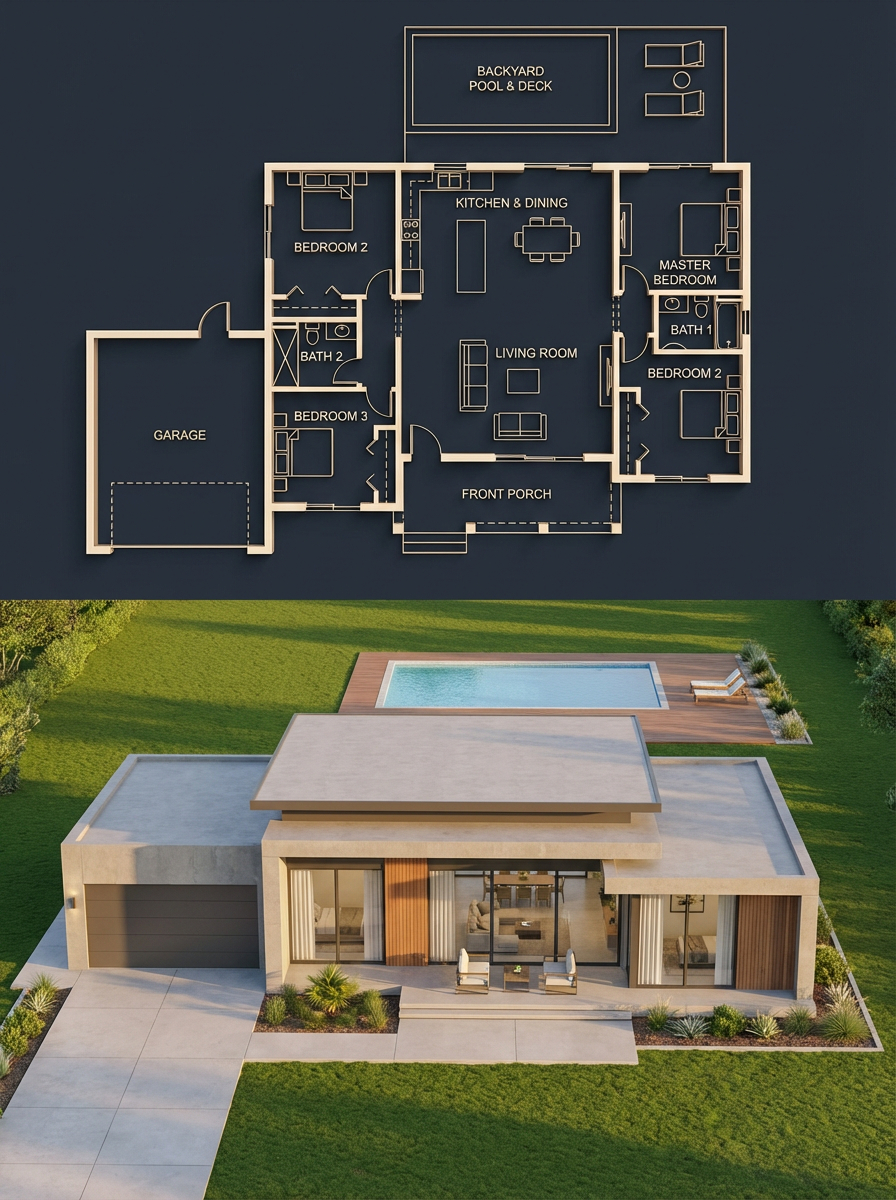
3:4 · blueprint split infographic2 credits
Convert one building, room, or product reference into a blueprint/reality comparison.
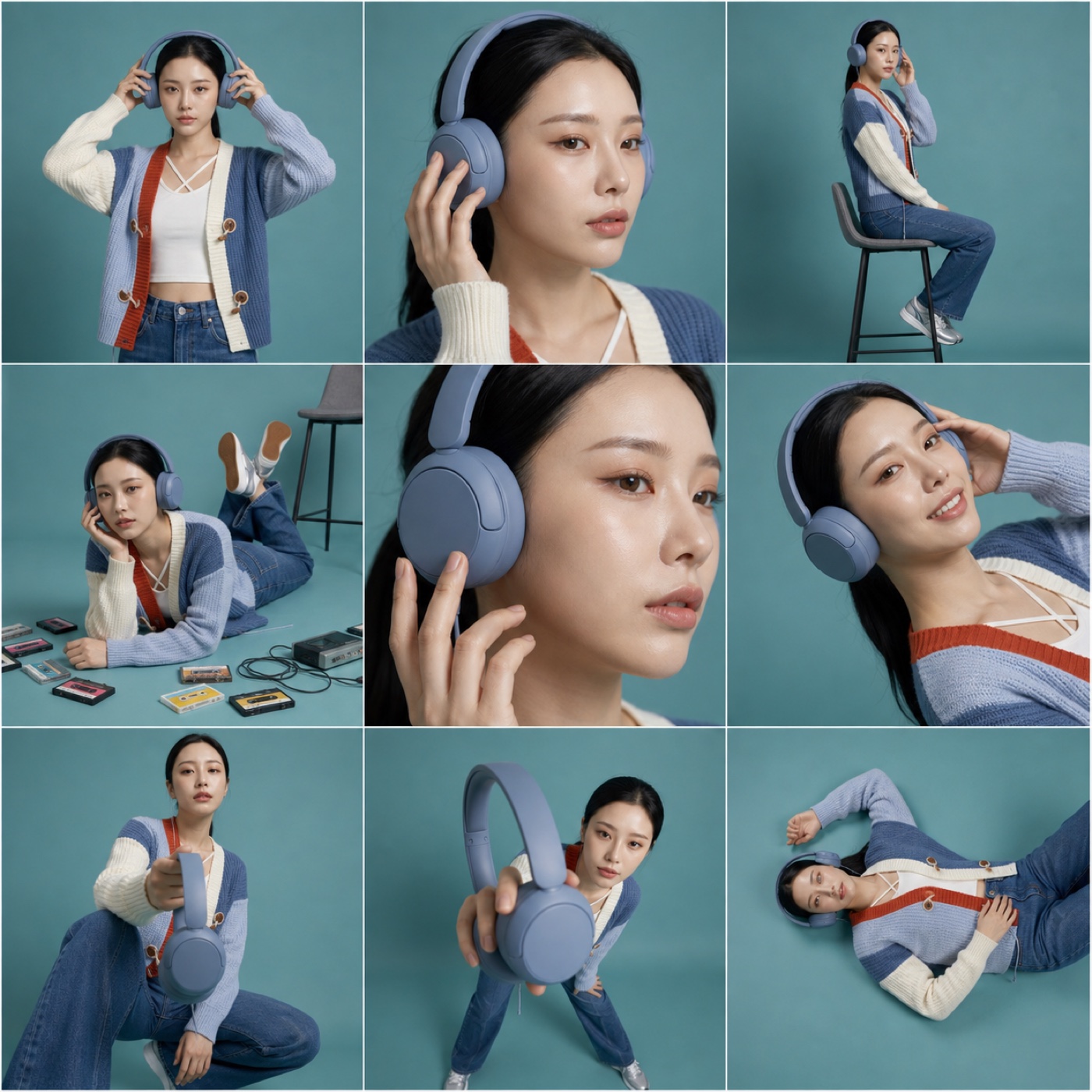
1:1 · 3x3 product story2 credits
Shape a product or affiliate post into a balanced mix of hero, detail, lifestyle, and forced-perspective frames.